
Nothing ruins the perfect moment faster than an iPhone camera that won’t focus. Whether you’re trying to snap a scenic view, take a spontaneous selfie, or capture an important event, a blurry or unresponsive camera can be extremely frustrating. Fortunately, there are practical ways to restore your camera’s focus quickly and effectively.
Some problems are minor and can be solved with simple tweaks or adjustments, while others may require professional attention. Understanding the root cause of the problem can save time, reduce stress, and prevent further damage to your device. With the right approach, you can get your iPhone back to capturing crisp, clear images. For many users, iPhone repair services are the most efficient solution to restore full camera functionality without unnecessary hassle.
Common Causes of Camera Focus Issues
iPhone camera focus problems can arise from a variety of factors. Pinpointing the root cause is essential because it determines whether a simple fix will suffice or professional intervention is necessary.
Dirty or Obstructed Lens
Even a tiny amount of dust, fingerprints, or smudges on your camera lens can prevent the camera from focusing properly. It’s easy to overlook this issue, but cleaning the lens with a soft, lint-free microfiber cloth can make a significant difference. Avoid using rough materials or harsh cleaning liquids that could scratch the lens.
Pro tip: Carry a small lens cloth in your phone case for regular cleaning, especially if you frequently use your iPhone outdoors.
Software Glitches
Sometimes the problem isn’t physical at all. Temporary software glitches in the camera app or conflicts caused by a recent iOS update can result in focusing issues. Restarting your device often clears minor software bugs. If the problem persists, updating your iPhone to the latest iOS version may resolve the issue, as updates often include bug fixes related to camera performance.
Physical Damage
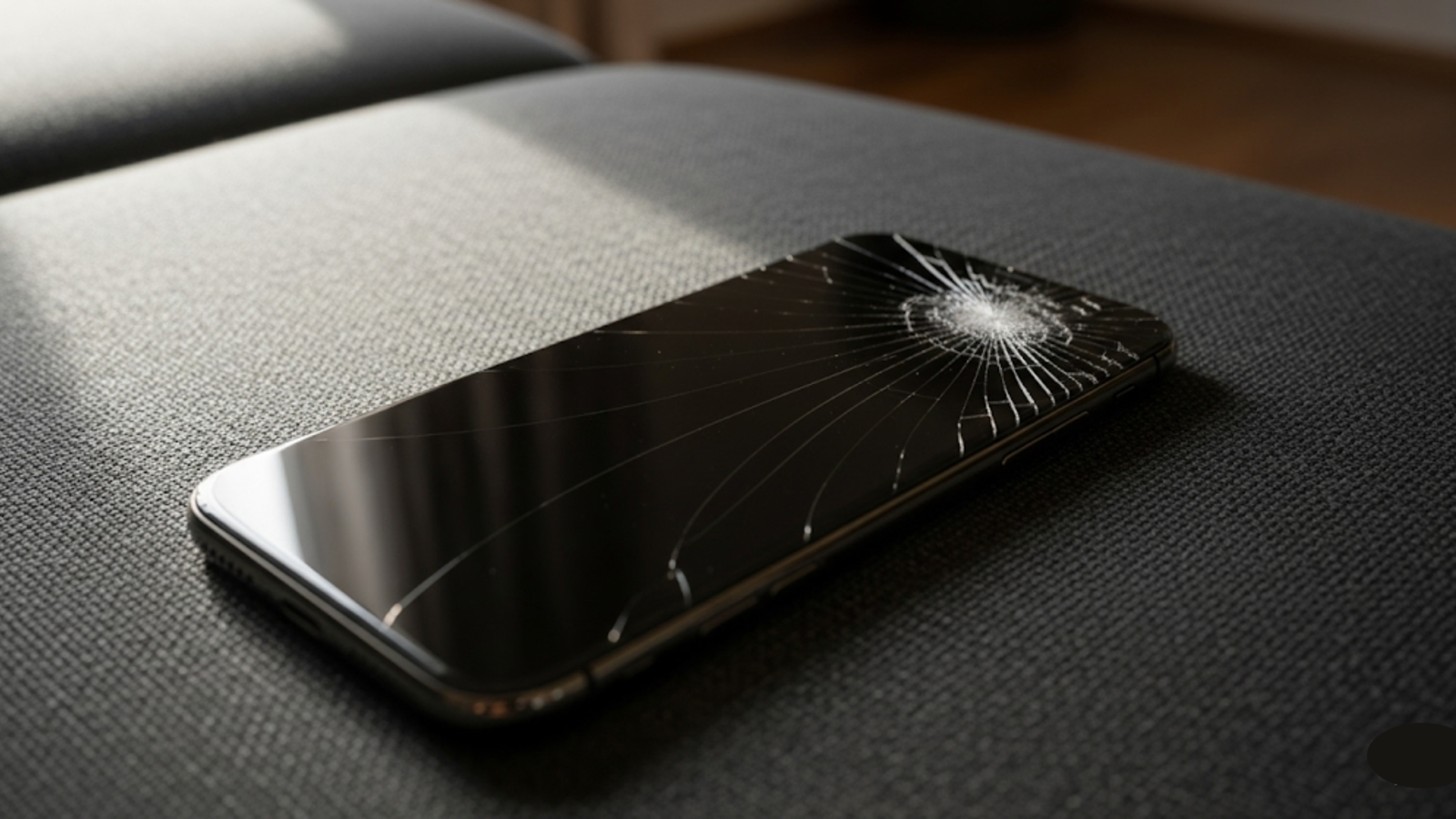
Dropped phones, pressure, or impact can misalign the delicate components inside the camera module. In such cases, the camera may fail to focus entirely or intermittently. Physical damage usually requires professional attention because DIY solutions may not resolve internal alignment issues and could even worsen the problem.
DIY Fixes for iPhone Camera Focus Problems
Before booking professional help, you can attempt several practical fixes at home. Simple, step-by-step troubleshooting can solve many minor focus issues.
Restart and Reset Settings
Restarting your iPhone is one of the simplest but often most effective fixes. This action clears temporary software glitches and refreshes the camera app. Additionally, resetting camera settings to default can resolve focus issues caused by misconfigured options.
Update iOS
Running the latest iOS version ensures your device has the most recent bug fixes and optimisations. Apple frequently updates its software to address hardware and camera performance issues, so keeping your device up to date is crucial.
Clear Camera App Cache
Sometimes cached data within the camera app can interfere with focus and overall performance. Close the app completely, restart it, and try focusing again. If problems persist, consider restarting your phone or temporarily disabling third-party camera apps that may be conflicting with the default camera app.
Adjust Focus Manually
While most iPhone cameras focus automatically, you can tap on the screen where you want the focus to lock. This simple action can help in tricky lighting conditions or when shooting close-up subjects.
Remove Accessories
Certain cases or lens protectors may block part of the camera or interfere with focus. Remove any accessories and check if the camera performance improves.
When to Seek Professional Help
While many camera focus issues can be resolved with simple DIY steps, some problems require professional intervention. If your iPhone continues to have blurry images, fails to focus consistently, or shows signs of internal damage, consulting a specialist is the safest way to restore full camera functionality and prevent further damage.
iPhone Expert in Australia
If DIY solutions fail, consulting an iPhone expert in Adelaide is the safest approach. Professionals can accurately diagnose the problem, whether it’s a misaligned lens, a faulty sensor, or other internal issues. They use specialised tools that allow for precise adjustments and repairs that are impossible to do at home.
Smartphone Repair Services
Full-service smartphone repair centres can tackle complex hardware problems beyond focus issues. These services ensure your iPhone functions properly after the repair, from misaligned camera modules to defective sensors. They also often provide warranties, which give peace of mind for future issues.
Data Safety During Repairs
Keeping your data safe is a crucial part of any iPhone repair process. Even minor repairs carry a small risk of data loss, so taking the necessary precautions beforehand ensures your photos, apps, and important files remain secure. Proper backup and recovery measures give you peace of mind.
Backup Before Repair
Backing up your iPhone before any repair is essential. Use iCloud or other cloud solutions to ensure that your photos, apps, and settings remain safe during the repair process. This simple precaution prevents potential data loss and allows you to restore your device quickly if needed.
Data Recovery Options
Although most repairs do not affect personal data, accidental loss can occur. Professional data recovery services can help restore missing files, ensuring your important memories and information remain intact. This is especially valuable for users with extensive photo libraries or work-related data on their devices.
Preventive Measures to Avoid Camera Issues
Prevention is always better than repair. Implementing simple habits can help extend your iPhone camera’s lifespan and reduce the risk of future focus problems.
Use a Protective Case
A high-quality protective case prevents drops and absorbs shocks that could damage internal camera components. Look for cases with reinforced corners and raised edges around the camera module for extra protection.
Regular Cleaning
Dust, fingerprints, and smudges can accumulate quickly. Clean your lens regularly using a microfiber cloth to maintain optimal image quality and prevent focus issues.
Avoid Extreme Conditions
Exposing your iPhone to high heat, cold, or moisture can damage sensitive components, including the camera sensor. Avoid leaving your phone in direct sunlight or humid areas for prolonged periods.
Mindful Handling
Avoid pressing or leaning on your iPhone, as pressure on the camera module can misalign internal components. Careful handling reduces the likelihood of damage.
Choosing the Right Repair Service
Selecting the right repair service is essential for ensuring your iPhone camera is fixed properly and efficiently. A reliable service can save time, prevent further damage, and provide peace of mind. Paying attention to customer experiences and aftercare options helps you make an informed decision.
Check Positive Reviews
Before selecting a repair service, read positive reviews from previous customers. Reviews can provide insight into service quality, turnaround times, and customer satisfaction, helping you choose a reliable repair centre.
Warranty and Aftercare
Opt for services that offer warranties and aftercare options. This ensures that if any issues arise after the repair, they can be resolved without additional cost. A reputable service also demonstrates confidence in its repair work.
Conclusion
A malfunctioning iPhone camera doesn’t have to ruin your photography. Minor problems can often be solved with simple troubleshooting steps, while professional services provide reliable solutions for more serious issues. Taking preventive measures, backing up your data, and choosing the right repair service ensure your camera performs at its best. For hassle-free and efficient solutions, Digimob offers comprehensive repair services to get your iPhone back to capturing sharp, clear images.
FAQs
Q1: Why is my iPhone camera blurry?
Blurriness may result from a dirty lens, software glitches, or hardware damage. Regular cleaning and restarting the device often solve minor issues, while persistent problems require professional intervention.
Q2: Can I fix my iPhone camera focus at home?
Minor focus issues can usually be resolved by restarting the device, updating iOS, resetting camera settings, or tapping to focus manually. Persistent problems may need professional repair.
Q3: Will iPhone repair affect my data?
Most repairs do not affect personal data, but it is always recommended to backup your device before sending it for service. Data recovery services are available if needed.
Q4: How long does iPhone camera repair take?
Simple fixes may take under an hour, while hardware repairs can take 1–3 days depending on parts availability and the complexity of the problem.
Q5: Can I prevent camera focus problems in the future?
Yes. Regular lens cleaning, using a protective case, avoiding extreme conditions, and careful handling significantly reduce the risk of future focus issues.







Write a comment ...