
When your Samsung phone encounters problems, finding the right solution quickly matters most. Users often encounter unresponsive screens, excessive battery drain, or app crashes that disrupt their daily routines. Professional Samsung phone repair provides systematic diagnosis and fixes, ensuring lasting performance.
This comprehensive guide reveals how certified technicians identify both hardware and software faults. You will learn diagnostic techniques, common issues, and why expertise prevents recurring problems. By understanding these processes, you can make informed choices for device maintenance.
The Diagnostic Process Overview
Certified technicians follow structured protocols to thoroughly assess Samsung devices. They begin with visual inspections and progress to advanced testing, ensuring no issue goes unnoticed.
This methodical approach starts with powering on the device to check basic functions like display and sound. Technicians document symptoms precisely, creating a roadmap for deeper analysis. Supporting steps include:
External damage assessment for impact on internals
Battery connection verification
Initial software boot tests
Such thoroughness distinguishes professionals from quick attempts.
Hardware Inspection Techniques
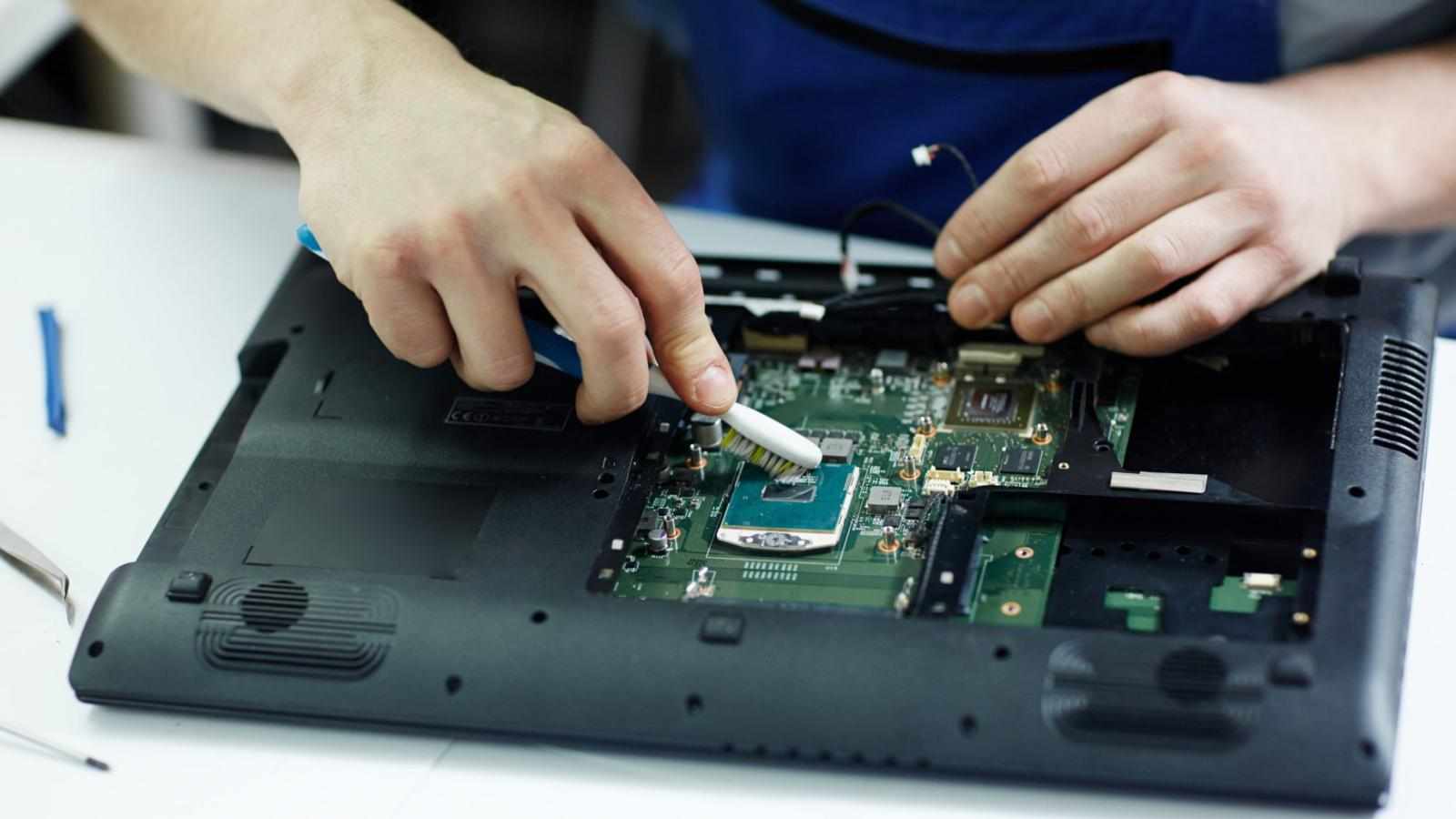
Hardware diagnosis requires specialized tools that reveal physical faults invisible to untrained eyes. Technicians use multimeters to test voltage levels across circuits and thermal cameras to detect overheating components.
For example, a flickering display often signals loose connectors. Certified experts disassemble safely, using anti-static mats to prevent further damage. Key methods involve:
Microscope examination of solder joints
Pressure testing for water ingress
Component continuity checks
These techniques pinpoint failures accurately, guiding effective repairs.
Software Analysis Methods
Software issues manifest as crashes, lag, or boot loops, demanding diagnostic software suites. Certified technicians run Samsung's proprietary tools alongside third-party apps to scan for corruption or malware.
They isolate problems by booting into safe mode, observing if symptoms persist. Detailed logging captures error codes for precise troubleshooting. Common approaches include:
Firmware integrity verification
App conflict identification
Cache partition clearing
This systematic elimination restores stability without data loss.
Identifying Display and Touch Problems
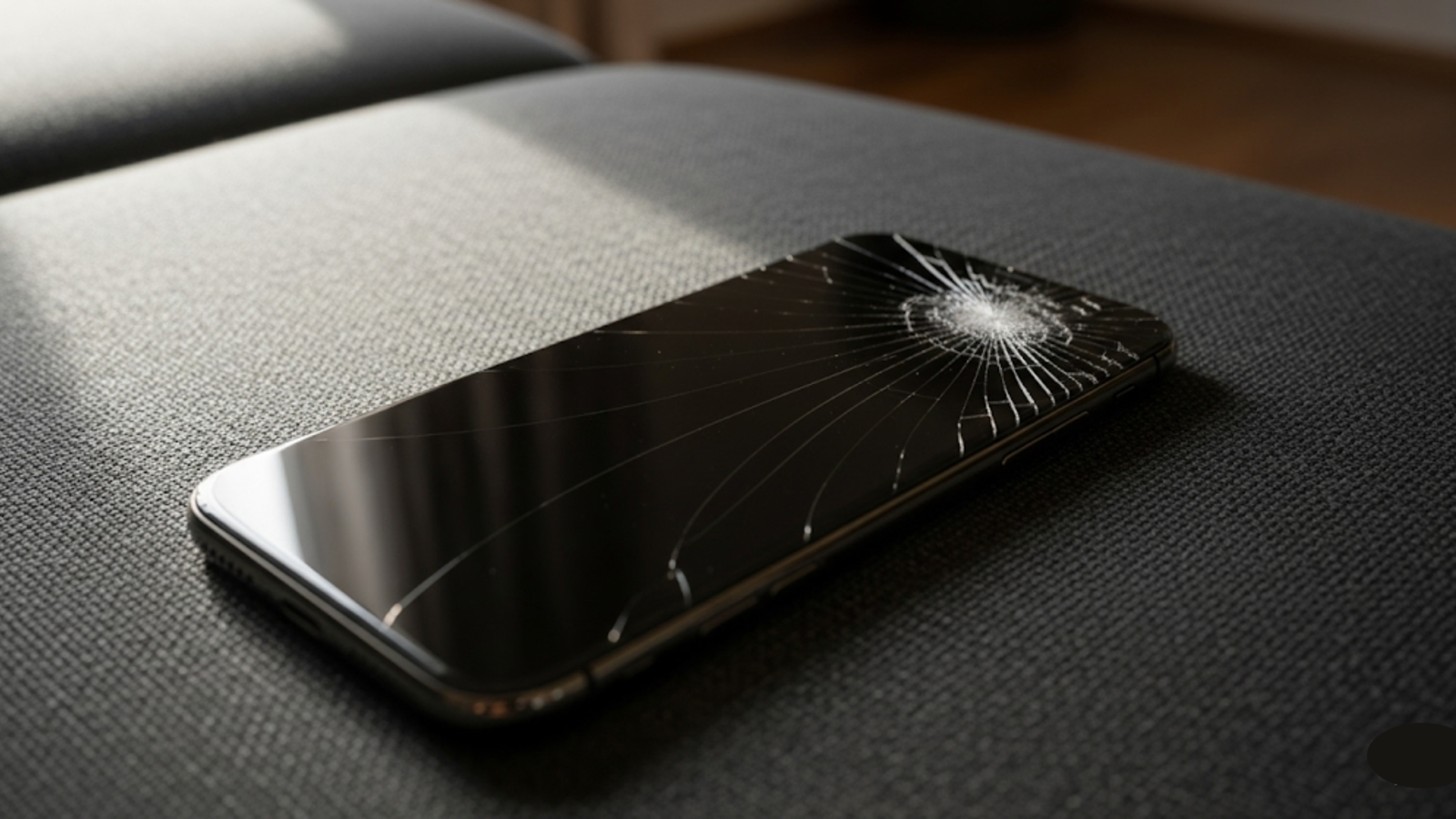
Display faults range from dead pixels to complete blackouts, often stemming from flex cable damage. Technicians test each layer: LCD panel, digitizer, and backlight separately.
Pressure mapping reveals touch inconsistencies while color calibration software verifies output accuracy. Real-world diagnostics show:
Burn-in patterns from prolonged static images
Pressure sensitivity gradients
Backlight bleeding detection
Professional tools ensure replacements match original specifications perfectly.
Battery and Charging System Evaluation
Battery health degrades over cycles, causing rapid drain or failure to hold charge. Certified diagnostics measure capacity, impedance, and cycle counts using advanced readers.
Charging port inspections check for bent pins or corrosion affecting power delivery. Supporting diagnostics include:
Voltage drop analysis during cycles
Temperature monitoring under load
Controller chip functionality tests
These reveal if issues stem from cells, circuitry, or adapters.
Camera and Sensor Troubleshooting
Camera malfunctions disrupt photography, from blurry lenses to focus failures. Technicians clean modules ultrasonically and test autofocus motors with oscilloscopes.
Sensor arrays for proximity, gyroscope, and ambient light undergo calibration benches. Diagnostic sequences confirm:
Lens alignment precision
Image signal processor health
Hardware-software synchronization
Restoring full functionality enhances user experience significantly.
Data Recovery During Diagnosis
Data recovery integrates seamlessly into diagnostic workflows when faults threaten storage. Certified centers employ chip-off techniques for inaccessible NAND flash, reading data directly.
They create forensic images before any invasive steps, preserving originals. Case studies demonstrate recovery from corrupted partitions without overwriting. This safeguards:
Photos and videos
Contacts and messages
App data backups
Professional handling maintains accessibility throughout repairs.
Motherboard and Chip-Level Analysis
Motherboard faults demand microscope-level scrutiny for micro-solder breaks or capacitor failures. Technicians use reflow stations for heat-related issues and schematic diagrams for signal tracing.
BGA reballing revives processor connections precisely. Advanced diagnostics include:
JTAG boundary scans
Logic analyzer captures
Power rail monitoring
Such expertise revives devices declared unrepairable elsewhere.
Network and Connectivity Testing
Connectivity drops affect calls, Wi-Fi, and Bluetooth, often from antenna faults. Technicians test signal strength across bands using spectrum analyzers.
SIM tray and modem chip evaluations isolate cellular issues. Comprehensive checks verify:
GPS satellite lock times
NFC field strength
Antenna impedance matching
Restored connectivity ensures seamless communication.
Performance Optimization Diagnostics
Performance lags arise from thermal throttling or memory leaks. Certified tools benchmark CPU, GPU, and RAM against factory specs.
They clear bloatware safely and optimize resource allocation. Key metrics include:
Frame rate consistency in games
Multitasking memory usage
Thermal curve profiling
Optimization restores original speed without compromises.
Finding Reliable Local Experts
Local expertise combines certification with quick access for Samsung users. Seek technicians with manufacturer training and cleanroom facilities.
Indicators of quality service include detailed diagnostic reports and transparent communication. Providers offering loaner devices minimize downtime effectively.
Comprehensive Solutions for Complex Faults
For intertwined hardware-software issues, certified diagnostics employ integrated suites. These map interactions between components, revealing cascading failures.
Detailed logging and simulation tests predict repair outcomes accurately. This holistic view ensures complete resolutions.
Data Recovery, Trusted Repair Service in Adelaide
Before finalizing repairs, a data recovery, trusted repair service in Adelaide ensures all files remain intact through specialized protocols. These experts handle retrieval with precision, supporting local users effectively.
FAQs
How long does a Samsung diagnosis typically take?
Basic checks are complete in 30-60 minutes. Complex motherboard analysis may require 2-4 hours. Same-day reports prove common.
Does diagnosis void my Samsung warranty?
No, certified technicians preserve warranty status through authorized procedures.
Can software issues mimic hardware problems?
Yes, boot loops or crashes are often hardware-related. Proper diagnostics distinguish accurately.
What causes most Samsung battery failures?
Cycle degradation, heat exposure, and manufacturing defects top the list. Professional tests confirm the exact causes.
How do I prepare my phone for diagnosis?
Backup data, note symptoms precisely, and avoid recent changes to maintain diagnostic clarity.
Conclusion
Certified diagnosis transforms Samsung troubleshooting from guesswork to precision science. The outlined techniques ensure thorough issue identification and reliable fixes.
At DigiMob, customers share positive reviews about thorough diagnostics and excellent results. Schedule your appointment today for peace of mind and optimal device performance.






Write a comment ...