
In today's fast-paced digital world, your laptop is more than just a gadget. It is your lifeline for work, creativity, and connection. But when hardware glitches or software woes strike, many people opt for quick fixes or replacements. Professional laptop repair service in Adelaide changes that equation, breathing new life into aging devices for the long haul.
This guide dives deep into why expert repairs outperform DIY attempts, how they prevent common failures, and the real impact on your laptop's lifespan. Whether you're dealing with a sluggish battery or a cracked screen, understanding these benefits empowers you to make smarter choices. Let's explore how timely intervention keeps your device running smoothly for years.
Why Laptops Fail and How Repairs Help
Laptops endure daily wear from heat, drops, dust, and overuse, leading to failures that shorten their lifespan. Processors overheat from clogged vents, hard drives fail after years of data writes, and batteries degrade from constant cycles. Without intervention, these issues compound, turning minor annoyances into total breakdowns.
Professional repairs address root causes effectively. Technicians diagnose with specialized tools like thermal imaging cameras and diagnostic software, pinpointing issues invisible to the untrained eye. For instance, a failing fan might seem like general slowdown, but replacing it restores full performance and prevents CPU damage.
Supporting points highlight the value:
Early detection: Catches problems before they escalate, like swapping a bulging battery to avoid fire risks.
Quality parts: Uses OEM-grade components that match original specs, unlike cheap generics.
Warranty-backed work: Many services offer guarantees, building confidence.
By fixing issues proactively, you extend usability from 3-5 years to 7-10, depending on the model.
Common Hardware Issues and Expert Fixes
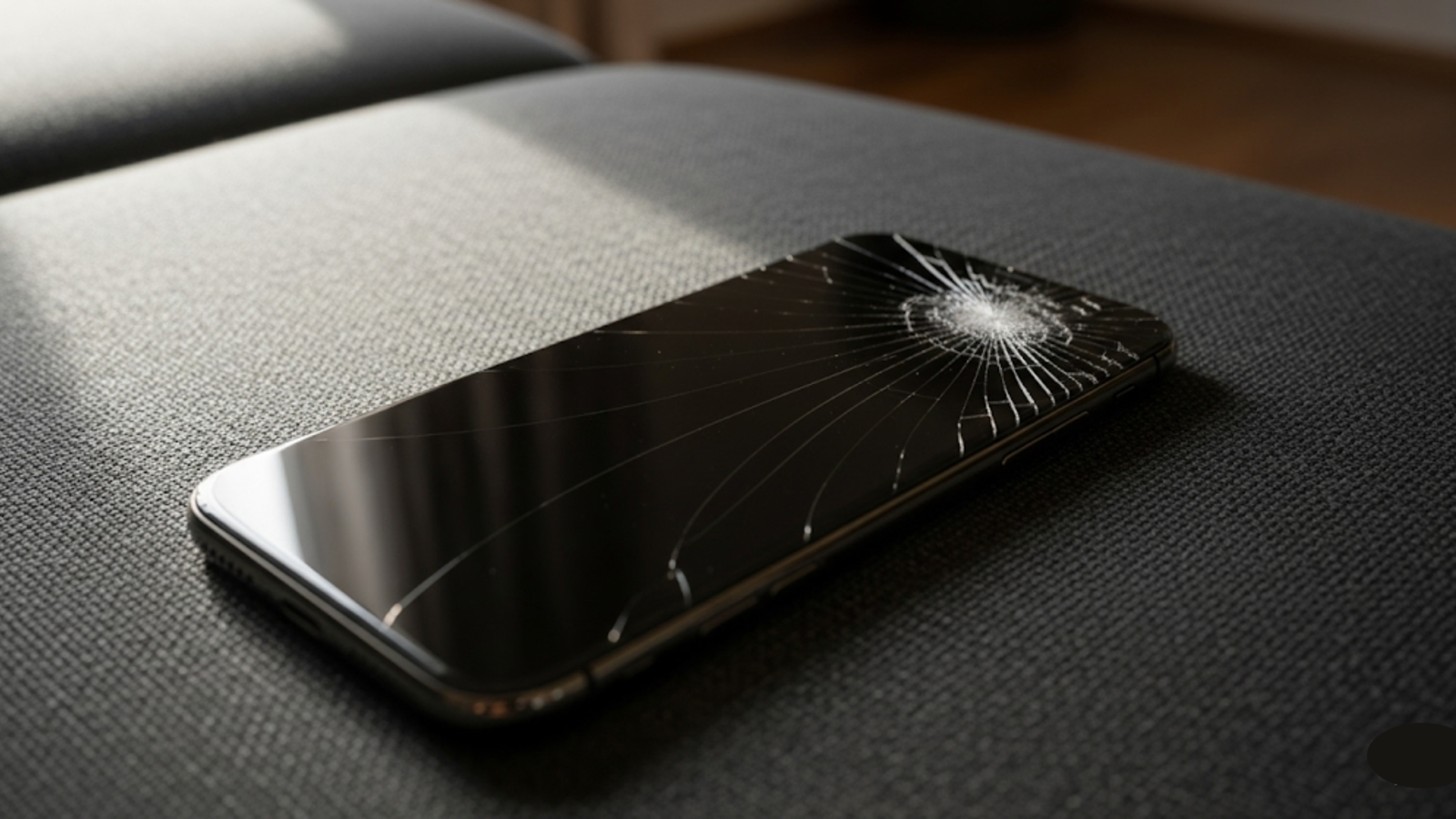
Hardware problems top the list of laptop killers, from SSD failures to motherboard shorts. A damaged screen from a fall might seem irreparable, but skilled technicians replace panels seamlessly, often within hours. Liquid spills corrode internals rapidly. Drying alone won't suffice. Pros disassemble, clean with ultrasonic baths, and test for hidden shorts.
RAM upgrades tackle memory bottlenecks, boosting speed without a full overhaul. Here's a quick breakdown of frequent fixes:
Screen replacement: Restores visibility and prevents eye strain.
Battery swap: Revives runtime from 1 hour to 6+.
Keyboard repair: Fixes sticky keys from spills or wear.
These interventions not only resolve symptoms but fortify the device against future stress. Data from repair labs shows hardware repairs add an average of 2-3 years to device life by using reinforced components.
Software Optimization for Peak Performance
Software glitches erode performance over time, with bloated OS installs, malware, or driver conflicts causing crashes. Factory resets help temporarily, but pros go deeper. Clean installs with optimized drivers tailored to your hardware ensure stability.
They scan for bloatware, update firmware, and tweak BIOS settings for efficiency. This process can double boot times and cut lag by 50%. Regular maintenance, like defragging SSDs or calibrating power settings, prevents gradual slowdowns.
Consider this: A laptop running Windows 11 on outdated drivers might throttle under load, mimicking hardware failure. Expert tuning reveals and fixes this, extending life without unnecessary overhauls.
Boosting Longevity Through Preventive Maintenance
Prevention beats cure. Schedule bi-annual checkups to clean internals, update software, and stress-test components. Pros apply thermal paste to cool-running CPUs, extending chip life by years.
User habits matter: Use cooling pads, avoid overcharging, and update regularly. Technicians offer personalized plans, like HDD-to-SSD conversions for 10x speed gains and vibration resistance.
One client saw their 5-year-old Dell revive post-maintenance, running modern apps flawlessly. These steps compound, pushing devices well beyond warranty periods.
When Data Loss Looms: Critical Recovery Insights
Sudden crashes often risk data. Corrupted drives or failed boots leave files stranded. Acting fast minimizes loss, as delays let issues worsen.
Experts employ forensic tools to recover from physically damaged platters or encrypted partitions, succeeding where software fails. They image drives first, preserving originals during extraction.
Ready to safeguard your files? Opt for a data recovery service in Adelaide when disaster strikes.
Integrating Repairs with Everyday Reliability
Reliable devices demand holistic care, blending fixes with usage tips. Post-repair, monitor temps with apps like HWMonitor and back up weekly. This synergy maximizes every repair's impact.
Real-World Case Studies of Extended Lifespans
Take Sarah, a graphic designer whose MacBook Pro lagged after four years. A RAM upgrade and SSD clone added three years of heavy Photoshop use. Or Mike's gaming rig. GPU repair kept it running smoothly with new titles.
These stories prove repairs scale across budgets and needs, from students to executives.
Choosing the Right Repair Partner
Look for certified techs with 5+ years of experience, transparent processes, and quick turnarounds. Check portfolios and response times. Top shops handle diagnostics efficiently. Book via easy online forms for same-day slots—urgency matters. Don't wait for total failure. Ready to extend your laptop's life? Contact a trusted repair service in Adelaide today for diagnostics that last.
FAQs
How long does a professional laptop repair take?
Most jobs wrap in 1-3 days, with express options under 24 hours for urgent cases like no-power issues.Will repairs void my laptop warranty?
No, authorized services use compliant methods. Always confirm with manufacturers like Dell or HP.Can all laptops be repaired effectively?
Yes, for devices under 7 years old. Pros assess viability upfront, advising next steps as needed.What if my laptop has liquid damage?
Bring it immediately. Power off and don't charge. Recovery rates exceed 80% with prompt professional cleaning.How often should I service my laptop?
Every 6-12 months, or after spills/heavy use, to catch issues early.
Conclusion
Extending your laptop's life through professional repair isn't just practical. It is a smart investment in productivity and peace of mind. You've seen the strategies, benefits, and stories that make it possible. Take action now: Schedule your repair and reclaim peak performance.
At Digimob, customers rave about our positive review outcomes. Fast, reliable fixes exceed expectations. Your device deserves this second chance.












Write a comment ...